
If you spend any amount of time on social media, you’ve probably seen one of these posts:
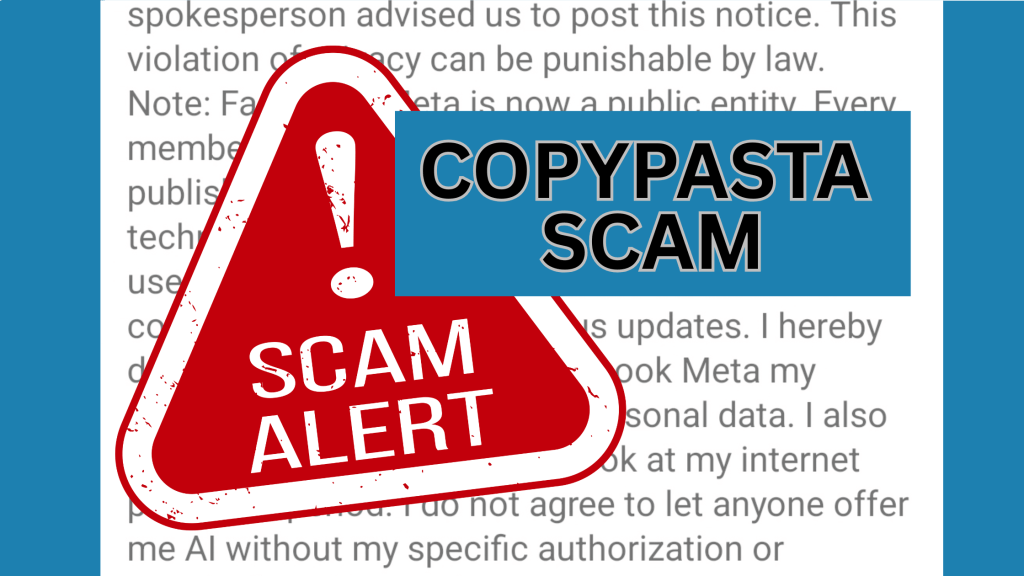
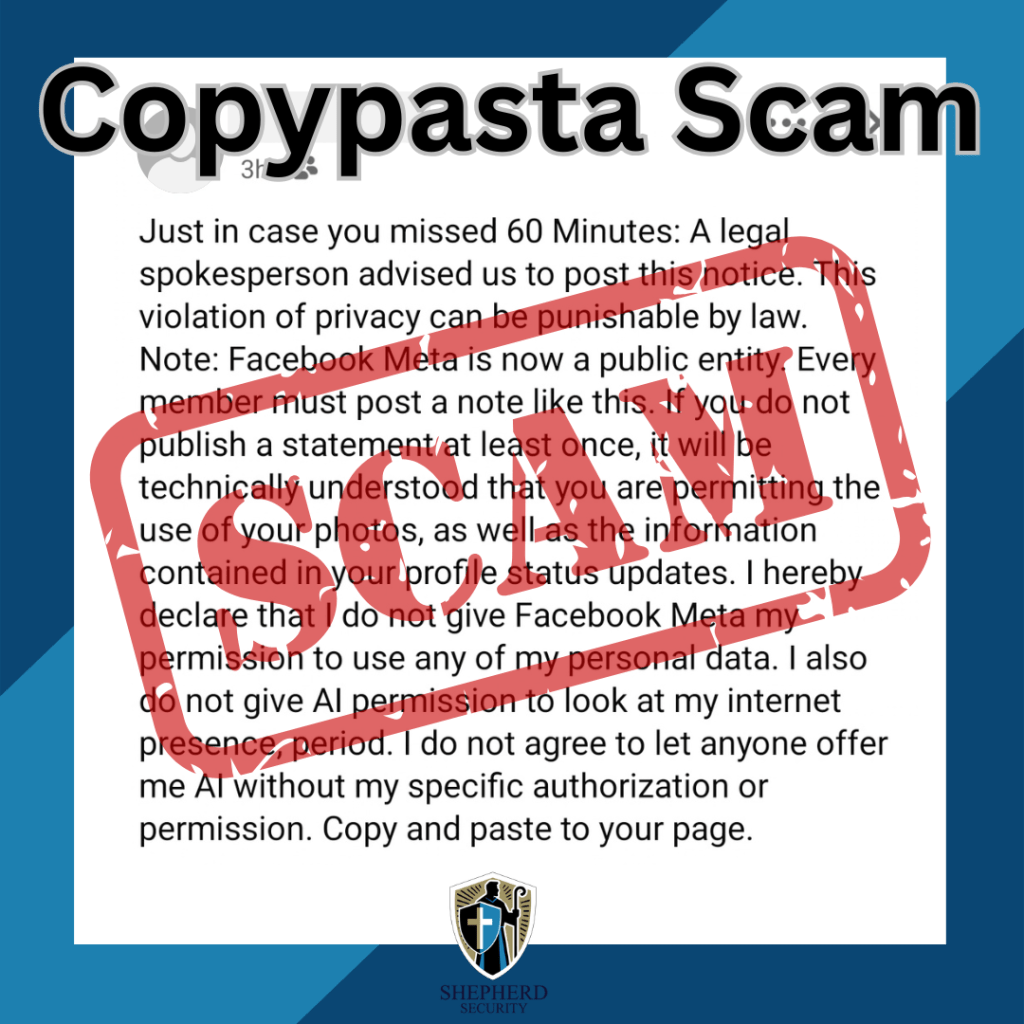
“Just in case you missed 60 Minutes… I do not give Facebook or Meta permission to use my photos, messages, or personal data…”
It usually continues with a long legal-sounding statement and ends with instructions to copy and paste it to your own profile to protect your privacy.
Right now, this particular post is spreading again across Facebook feeds.
Here’s the truth: it’s a hoax.
At Shepherd Security, we spend a lot of time talking about phishing and social engineering, but scams don’t always involve clicking a link or downloading malware. Sometimes they rely on human behavior and viral sharing. These are known as “copypasta scams.”
What Is a Copypasta Scam?
“Copypasta” scams are viral blocks of text that instruct users to copy and paste the message to their own profiles. They usually promise some type of benefit, such as:
- Protecting your privacy
- Resetting social media algorithms
- Seeing more posts from friends
- Removing ads
- Winning a giveaway
- Helping a charity or emergency situation
These posts spread rapidly because they look believable, feel urgent, and are often shared by well-meaning friends and family.
But the reality is simple: copying and pasting text cannot change how a social media platform works.
The Truth About the “60 Minutes” Facebook Post
The current version circulating begins with:
“Just in case you missed 60 Minutes…”
It claims that posting a legal notice will prevent Facebook (Meta) from using your photos, messages, or personal information.
Here are the key facts.
1. It Has No Legal Standing
Posting a statement on your Facebook profile does not override the terms of service you agreed to when creating your account.
When you signed up for Facebook, you already accepted Meta’s user agreement and privacy policies. A copied paragraph on your timeline cannot change that contract.
Please take the time to read Facebook/Meta Terms https://www.facebook.com/terms/
2. The Information Is Misleading
The message is designed to sound official and urgent, often referencing legal language, copyright laws, or news sources like “60 Minutes.”
However, there is no such broadcast warning people to post this message.
This exact hoax has been circulating for years, periodically resurfacing with slightly different wording.
3. It Doesn’t Protect Your Privacy
If you want to control your privacy on Facebook, the only place to do that is inside your account’s privacy settings.
Copying text onto your timeline does nothing to your privacy configuration.
4. The Best Response: Ignore It
If you see the post:
- Ignore it
- Delete it if you posted it
- Avoid copying and pasting it
At best, it wastes time. At worst, it contributes to misinformation spreading online and makes you a target for other social engineering attacks. (More on that below)
Common Types of Copypasta Scams
The “60 Minutes” post is just one version of a broader category of social media hoaxes.
The Algorithm / “See More Friends” Hoax
These posts claim that copying a message will make you see more posts from friends instead of ads or pages.
Reality: Social media algorithms cannot be changed by pasted text.
The Privacy / Copyright Notice
This is the category the “60 Minutes” message falls into.
It usually claims that posting a legal notice will protect your photos, data, or personal content from platforms like Facebook or Meta.
Reality: This has zero legal effect.
Viral Misinformation Hoaxes
These posts often involve:
- Missing children
- Dangerous criminals
- Celebrity deaths
- Public safety warnings
They pressure users to copy or share the message quickly to warn others.
Many of these posts circulate for years after the events are no longer relevant—or were never real in the first place.
Fake Charity or Giveaway Posts
These claim that if you copy and paste a message you might:
- Win money or prizes
- Help someone in need
- Unlock a special promotion
Often these posts eventually direct users to phishing websites or scam products.
Why Copypasta Scams Are Dangerous
Even though they seem harmless, these posts can create real cybersecurity risks.
1. Data Harvesting
Scammers monitor who interacts with these posts.
People who repeatedly share viral hoaxes may be more likely to fall for phishing or social engineering attacks later.
2. Mapping Social Networks
By tracking how posts spread, scammers can identify clusters of connected users, helping them target communities or organizations more effectively.
3. Spreading Misinformation
These posts clutter social feeds with false information, making it harder to identify real threats or legitimate warnings.
4. False Sense of Security
The biggest danger is psychological.
People believe they’ve protected their privacy, which can lead them to ignore actual security settings and legitimate warnings.
How to Spot a Copypasta Scam
Before sharing anything online, look for these red flags:
🚩 It tells you to copy and paste the message
🚩 It promises to change algorithms, privacy, or ads
🚩 It uses urgent or legal-sounding language
🚩 It claims a news source reported it but provides no proof
🚩 It pressures you to repost quickly
If you see these signs, it’s almost certainly a hoax.
How to Verify Suspicious Posts
A quick check can prevent misinformation from spreading.
- Search the text online
Copy a sentence and paste it into Google. - Check fact-checking sites
Sites like Snopes regularly document viral hoaxes. - Use the Share button instead of copy/paste
Legitimate information is normally shared directly from the original source. - Don’t assume it’s true just because a friend posted it
Even well-meaning people share misinformation.
Final Thoughts
Cybersecurity threats don’t always come from hackers breaking into systems. Often they come from misinformation spreading through social networks.
Copypasta scams like the “60 Minutes” Facebook post rely on a simple tactic: getting people to react before they think.
Before copying or sharing anything online, take a moment to pause and verify. A few seconds of skepticism can stop a scam from spreading to hundreds of other people.
If a social media post asks you to copy and paste it to protect yourself… it’s probably a scam.
Stay aware. Stay skeptical. Stay secure.

 shepherdsecurity.net
Leave a comment